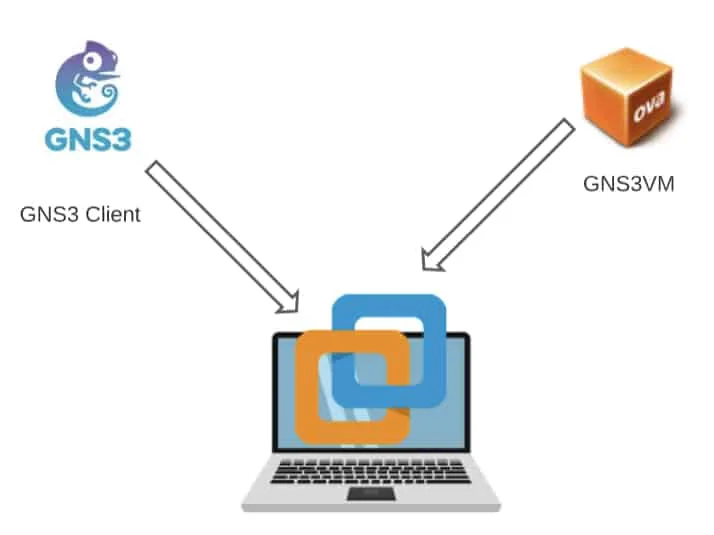
Firstly, This is the very common method of installing the GNS3 software. First you install and configure the GNS3 client on the machine. And then you configure the GNS3VM in the VMware workstation.
In
this method both the GNS3 client and the VM runs on the same machine.
1st: need same version of gns3 software, gns3 vm.ovf and vmware workstation (2.2.38)
2nd: 1st network adapter (eth0) must need to be in NAT(vmnet8), add more as per your need.
3rd: install gns3 software now.
than preferrence e jeye server> enable local server >host binding (NAT IP dekiye dewa lagbe)
gns3 VM > enable gns3 vm >Vm machine ta dekiye deya lagbe
installation done
link: https://getlabsdone.com/how-i-have-setup-my-gns3-10-easy-steps/


No comments:
Post a Comment